01RSS and Atom source management
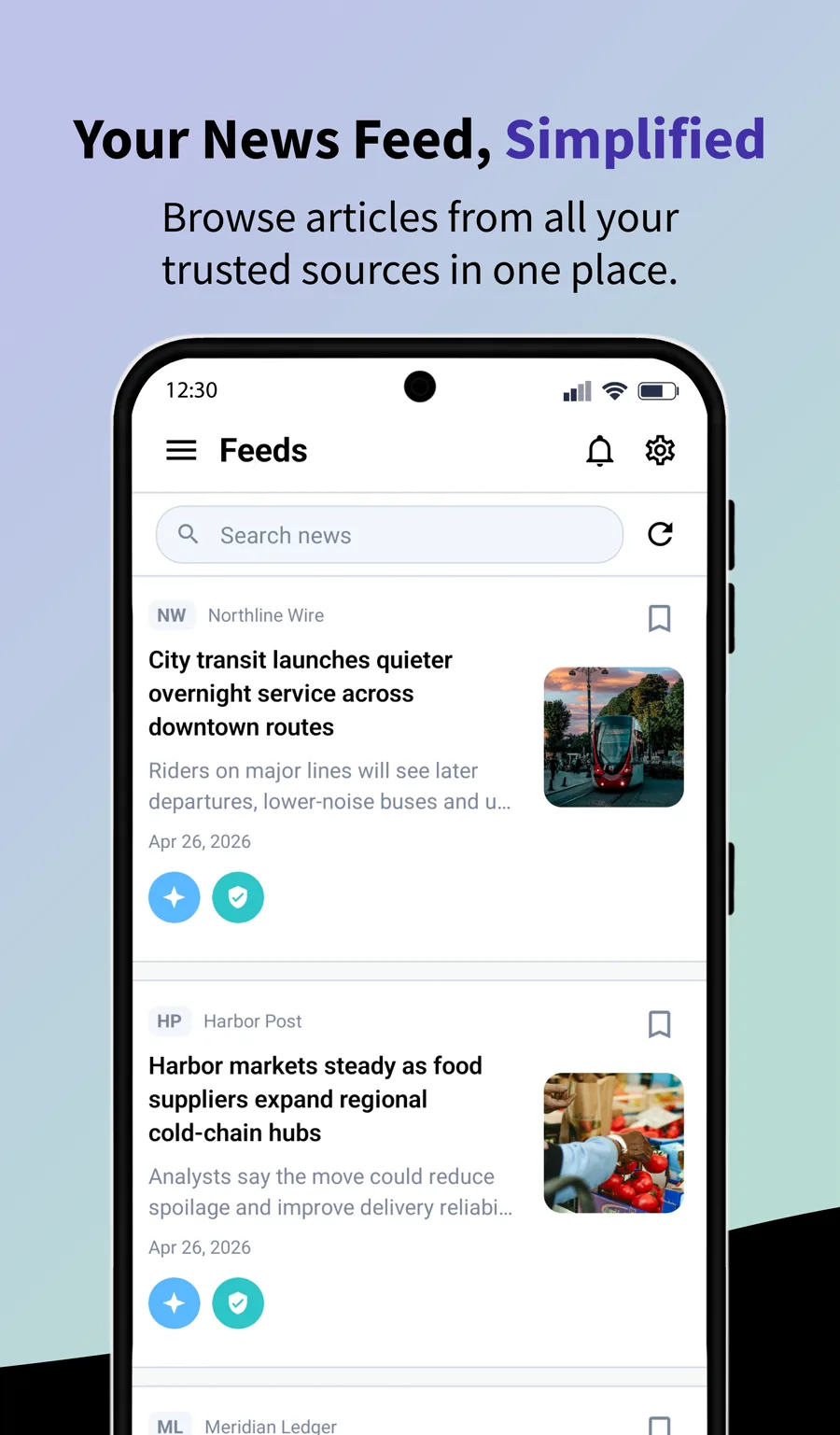
Build a personal news feed from RSS, Atom, and XML sources instead of relying only on recommendation algorithms. Search for sources inside the app, paste a feed URL directly, and review feed status when a source needs attention.
Explore02AI article summaries
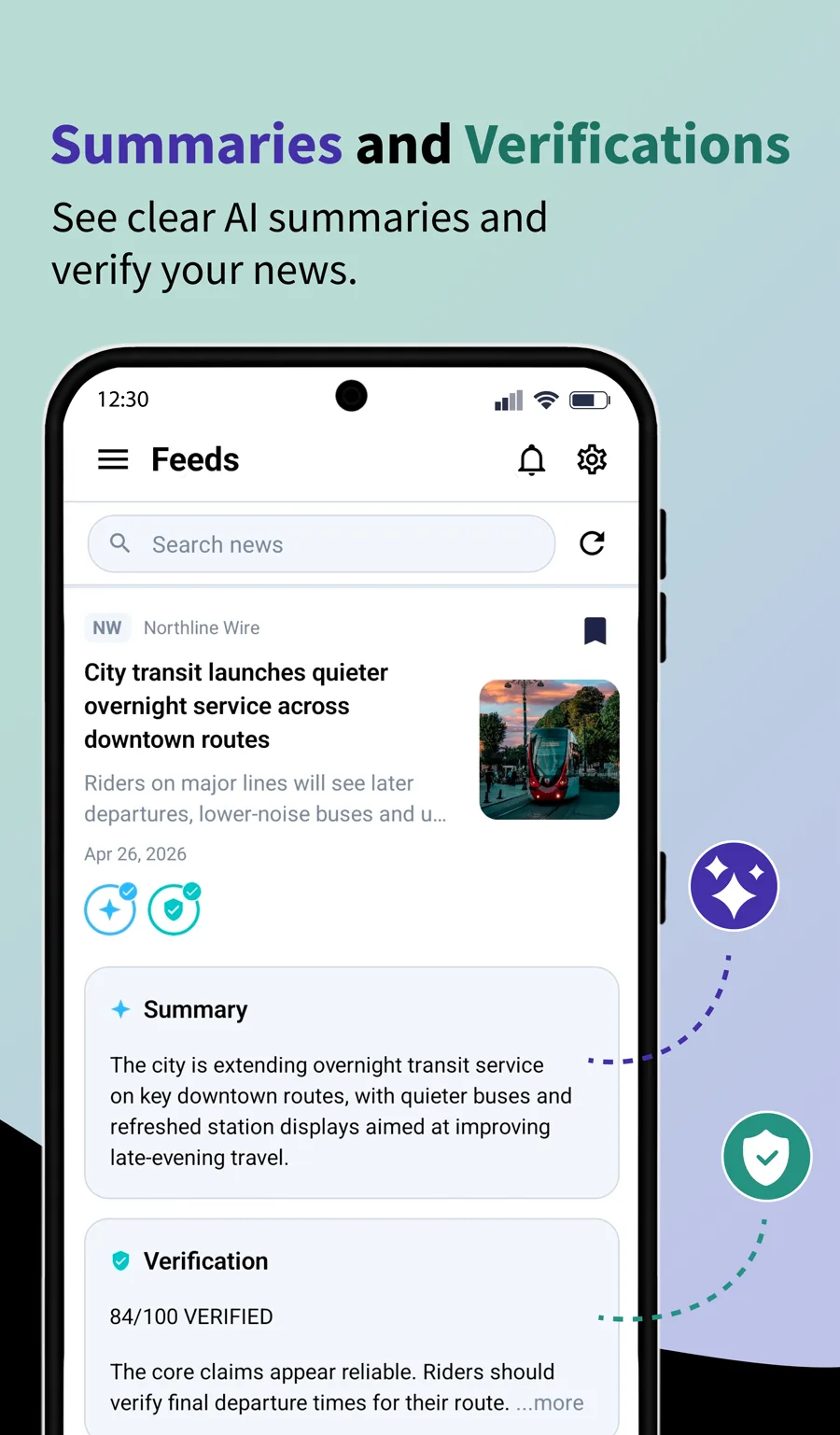
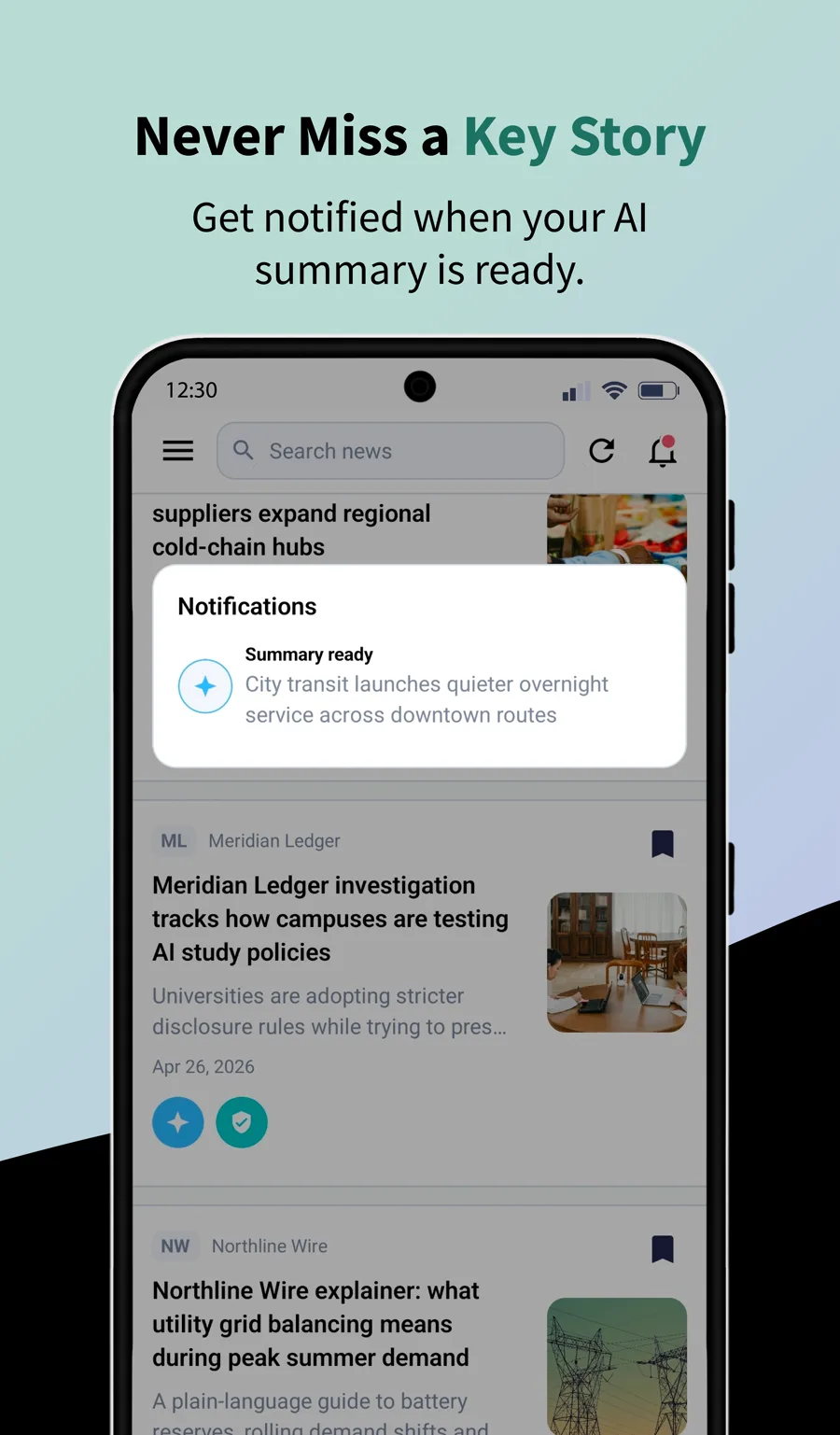
Generate concise summaries from supported article URLs or extracted article text. Summaries are designed for quick scanning, helping you decide what deserves a full read while keeping the original reporting close by.
Explore03Claim verification and reliability signals
Verification identifies important claims in an article and returns structured claim analysis, source context, verification status, and an overall reliability signal. It is reading assistance, not a final replacement for primary-source review.
Explore04Bias and perspective analysis
Bias analysis looks for framing, missing perspectives, emotionally loaded wording, and balance issues. The goal is to make it easier to compare a story against other reporting before forming an opinion.
Explore05Saved items and collections
Save articles, summaries, and verification results for later. Collections help group saved articles around topics, research projects, events, or sources you want to revisit.
Explore06Multilingual app experience
TrustDigest AI includes language options for English, Arabic, Bosnian, Spanish, and Turkish so more readers can use the same source-checking workflow.
Explore07Account, limits, and subscriptions
Account tools help manage saved state, daily AI usage limits, device access, and optional Pro entitlement status across supported app stores.
Explore08Mobile-first reading workflow
The app is built around short mobile reading sessions: open a source, scan a story, summarize it, review verification context, then save the result if it matters.
Explore