
iPhone and iPad
TrustDigest AI is available on the App Store for supported Apple devices. Subscriptions on Apple devices are managed through Apple subscription settings.
Download
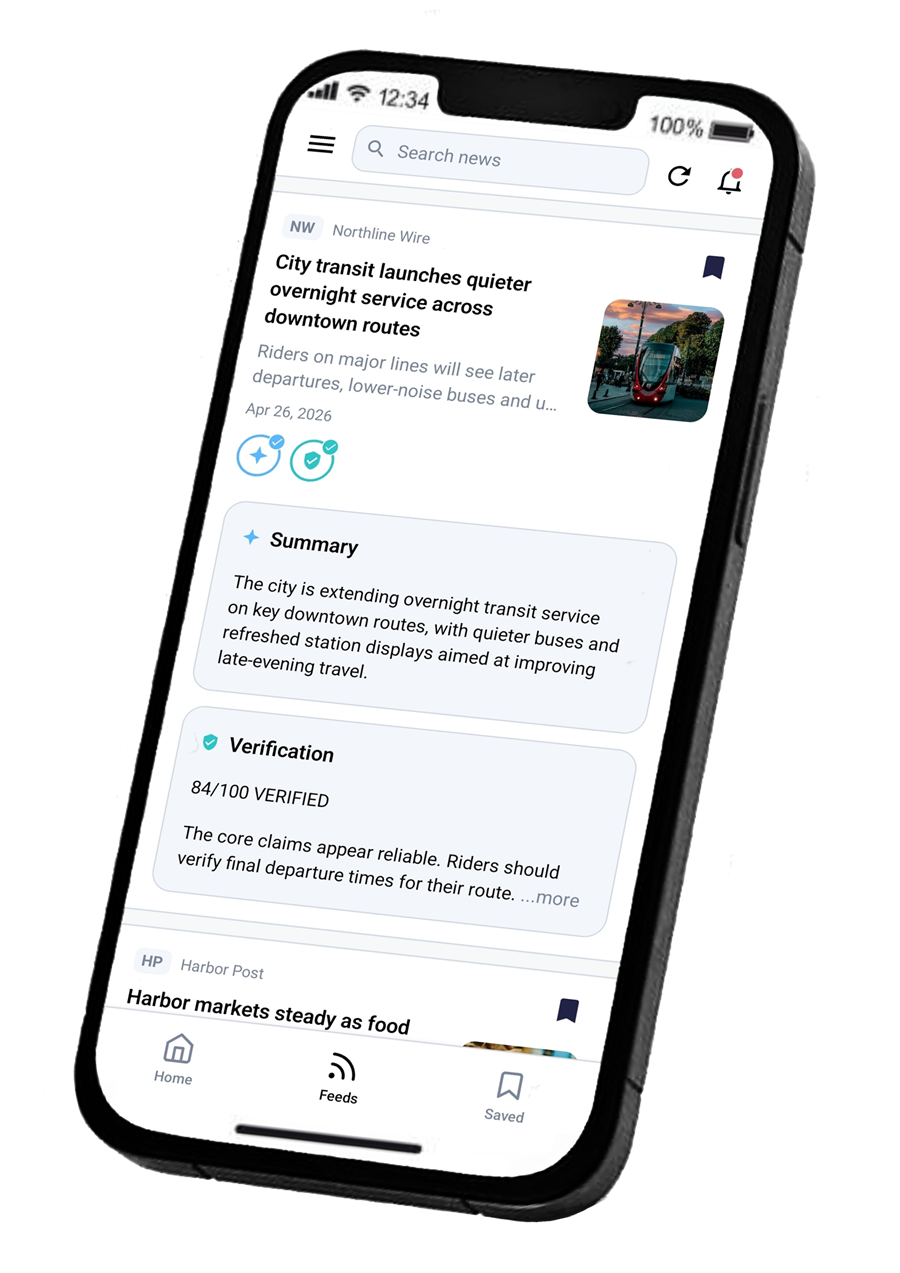
Download TrustDigest AI to follow RSS feeds, summarize articles, verify claims, review bias context, and save useful news context on your phone.

TrustDigest AI is made for the phone workflow: follow feeds, open articles, generate summaries, check claims, and save useful context while you read.
TrustDigest AI is available on the App Store for supported Apple devices. Subscriptions on Apple devices are managed through Apple subscription settings.
TrustDigest AI is available on Google Play for supported Android devices. Android subscriptions are managed through Google Play on the account originally used to subscribe.
Some AI features require sign-in with Google or Apple so usage limits, device access, and subscription status can be handled correctly.
Use the official store links on this page and confirm the app name, icon, and developer details before installing. Avoid unofficial downloads or mirrored app files.
Open the app, sign in if needed, add RSS sources, then start using summaries, verification, saved items, and collections from the mobile feed.
App updates are distributed through the official stores. Release notes on this website summarize public changes by platform when update details are available.
The Google Play and App Store buttons point to the official TrustDigest AI listings with tracking parameters for website attribution.
TrustDigest AI currently links to iOS and Android store listings. Huawei distribution is not shown on the changelog or primary download page.
Privacy, terms, data deletion, account deletion, FAQ, and release notes are linked from the support area and footer.